Description
-
Model List:
- JDInsight
- 1. Introduction
- 1.1. Download Instructions
- 1.2. Foreword
- 1.3. Recognize Safety Information
- 1.4. Understand Signal Words
- 1.5. Follow Safety Instructions
- 1.6. Practice Safe Maintenance
- 1.7. Use Steps and Handholds Correctly
- 1.8. Handle Electronic Components and Brackets Safely
- 1.9. Use Electronic Display Properly
- 1.10. Prevent Electrical Shock and Fires
- 1.11. Avoid Exposure to High Radio Frequency Fields
- 2. Component Overview
- 2.1. Components
- 2.2. Modular Telematics Unit (MTU)
- 2.3. Antenna
- 2.3.1. Cellular and GNSS Antenna
- 2.3.2. Antenna Installation Requirements
- 3. OperatingJDInsight
- 3.1. Website Login
- 3.2. JDInsightJDInsight is a trademark of Deere Company Operating Guidance
- 3.2.1. Home Page
- 3.3. Data Vehicle
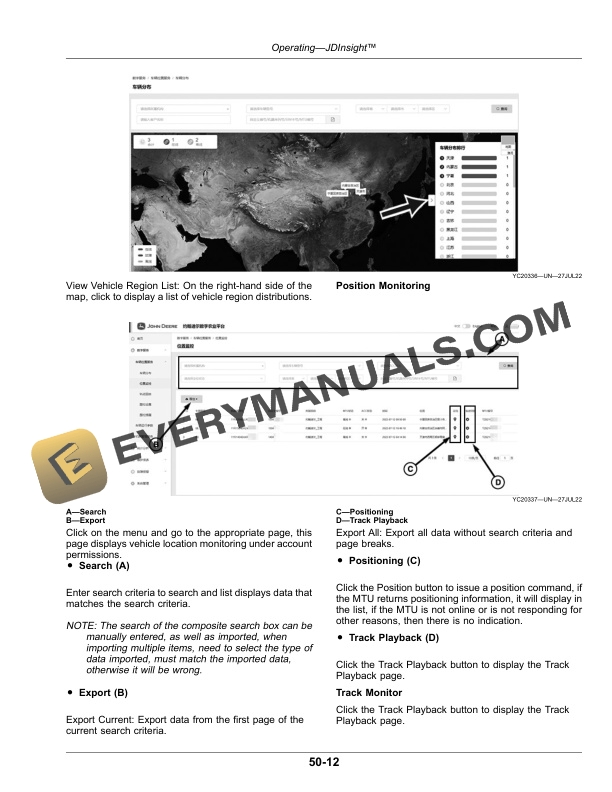
- 3.3.1. Vehicle Monitor
- 3.3.2. Work Condition
- 3.3.3. Fleet Manage Service
- 3.4. Statistic Analysis
- 3.4.1. Working Statistics
- 3.4.2. Historical Working
- 3.4.3. Overrun Statistics
- 3.4.4. Overrun Strategy
- 3.5. Vehicle Maintenance
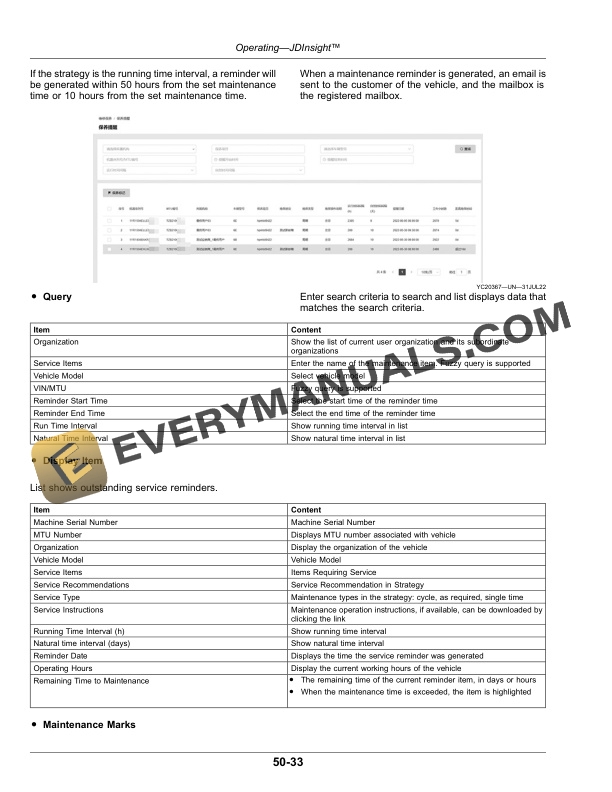
- 3.5.1. Service Reminder
- 3.5.2. Maintenance History
- 3.6. Fault Alarm
- 3.6.1. Communication Fault Between Vehicle and MTU
- 3.6.2. Remote Fault Alarm
- 3.7. System Management
- 3.7.1. Role Management
- 3.7.2. User Administration
- 4. Specifications
- 4.1. Metric Bolt and Screw Torque Values
- 4.2. Unified Inch Bolt and Screw Torque Values
- 5. John Deere Service Literature Available
- 5.1. Technical Information
- 6. John.Deere Service Keeps You on the Job
- 6.1. John Deere Parts
- 6.2. WellTrained Technicians
- 6.3. Prompt Service
- 6.4. John Deere Is At Your Service
- 6.5. Technical Information