Description
-
Model List:
- Field Connect
- 1. Introduction
- 1.1. Foreword
- 1.2. Read This Manual
- 1.3. John Deere Technical Information Bookstore
- 1.4. www.AirmarTechnology.com
- 1.5. www.campbellsci.com
- 1.6. Recognize Safety Information
- 1.7. Understand Signal Words
- 1.8. Follow Safety Instructions
- 1.9. Practice Safe Maintenance
- 1.10. Use Steps and Handholds Correctly
- 1.11. Handle Electronic Components and Brackets Safely
- 1.12. Use Electronic Display Properly
- 1.13. Handling Batteries Safely
- 1.14. Avoid Buried Utility Lines
- 1.15. Avoid Exposure to High Radio Frequency Fields
- 1.16. Waste Electrical and Electronic Equipment
- 2. Regulatory and Compliance Information
- 2.1. Notifications to User
- 2.2. FCC Notifications to User
- 2.2.1. John Deere Field ConnectJohn Deere Field Connect is a trademark of Deere Company
- 2.2.2. Field Connect Gateway and Moisture Probe
- 2.2.3. Field Connect Gateway Modem (2G and 3G) and Airmar Weather Sensor
- 2.2.4. Field Connect Wireless Node
- 2.3. CISPR 22 Class A Warning
- 2.4. Industry Canada Notifications to User
- 2.5. EU Declaration of Conformity
- 2.6. EU Declaration of Conformity
- 2.7. EU Declaration of Conformity
- 2.8. EU Declaration of Conformity
- 2.9. EU Declaration of Conformity
- 2.10. EU Declaration of Conformity
- 2.11. EU Declaration of Conformity
- 3. System Overview
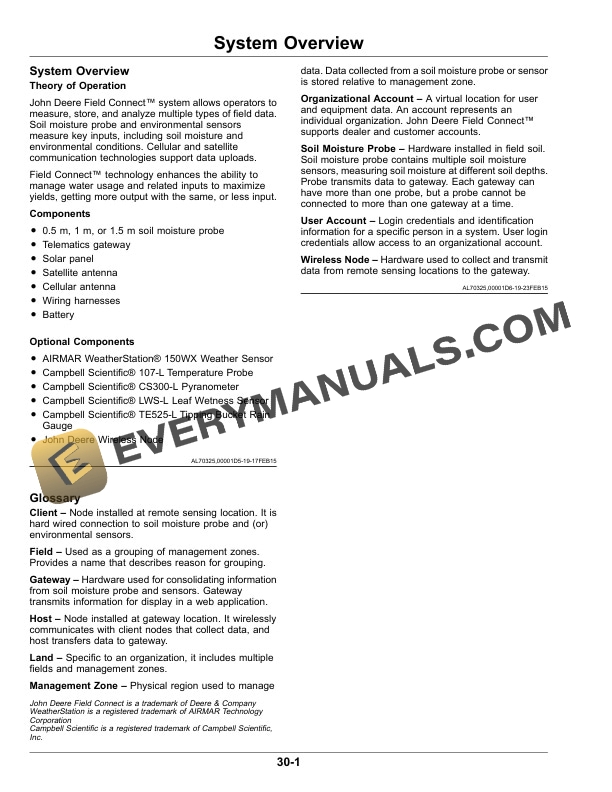
- 3.1. System Overview
- 3.2. Glossary
- 4. Required Components
- 4.1. Required Components
- 4.2. Field Connect Gateway
- 4.3. GSM Cellular and GPS Antenna
- 4.4. Satellite Antenna
- 4.5. Field Connect Soil Moisture Probe
- 5. Battery
- 5.1. Battery
- 6. Optional Components
- 6.1. Optional Components
- 6.2. Field Connect Wireless Node
- 6.3. AIRMAR WeatherStation 150WX Weather Sensor
- 6.4. Campbell Scientific Model 107L Temperature Probe
- 6.5. Campbell Scientific CS300L Pyranometer
- 6.6. Campbell Scientific LWSL Leaf Wetness Sensor
- 6.7. Campbell Scientific TE525L Tipping Bucket Rain Gauge
- 6.8. Pressure Sensor
- 7. Assembly
- 7.1. Field Connect Gateway Ports
- 7.2. Antenna Connections
- 7.3. Soil Moisture Probe Connection
- 7.4. Install Gateway Battery
- 8. Setting UpWireless Network
- 8.1. Determine Wireless Node Locations
- 8.2. Wireless Node Connections
- 8.3. Set Up Wireless Network
- 8.4. Register Soil Moisture Probe
- 9. Setting UpWebsite
- 9.1. Compatibility
- 9.2. Website Navigation
- 9.3. Set Up Gateway
- 9.4. Set Up Wireless Network
- 10. OperatingGateway
- 10.1. Gateway Multifunction Button
- 10.2. Gateway Data Transmission
- 10.3. View Environmental Sensor Data
- 11. Troubleshooting
- 11.1. Frequently Asked Questions
- 12. Specifications
- 12.1. Field Connect Gateway
- 12.2. Field Connect Wireless Node
- 12.3. Sensor Harness Connectors
- 13. Manual Firmware Update
- 13.1. Manual Firmware Update
- 14. End of Year Best Practices
- 14.1. Website
- 14.1.1. Deactivate Management Zone
- 14.1.2. Remove Installed Environmental Sensors
- 14.1.3. Remove Wireless Node from Network
- 14.2. Hardware
- 14.3. Storage
- 14.3.1. Gateway and Wireless Node
- 14.3.2. Soil Moisture Probe
- 14.3.3. Environmental Sensors
- 14.3.4. Gateway Battery
- 14.3.5. Wireless Node Battery
- 14.4. Gateway Transport
- 14.5. Archive and Data Management
- 15. John Deere Service Literature Available
- 15.1. Technical Information
- 16. John Deere Service Keeps You On The Job
- 16.1. John Deere Is At Your Service