Description
-
Model List:
- Mobile Weather
- 1. Introduction
- 1.1. Foreword
- 1.2. John Deere Technical Information Bookstore
- 1.3. www.AirmarTechnology.com
- 1.4. Recognize Safety Information
- 1.5. Understand Signal Words
- 1.6. Follow Safety Instructions
- 1.7. Practice Safe Maintenance
- 1.8. Use Steps and Handholds Correctly
- 1.9. Handle Electronic Components and Brackets Safely
- 1.10. Use Electronic Display Properly
- 1.11. Avoid Electrical Power Lines
- 2. Regulatory and Compliance Information
- 2.1. Federal Communications Commission (FCC) Notifications to User
- 2.1.1. FCC Notification
- 2.1.2. AIRMARAIRMAR is a trademark ofnbspAirmar Technology Corporation Weather Sensor
- 2.2. Industry Canada ICES003
- 2.3. Independent Communications Authority of South Africa (ICASA)
- 3. System Overview
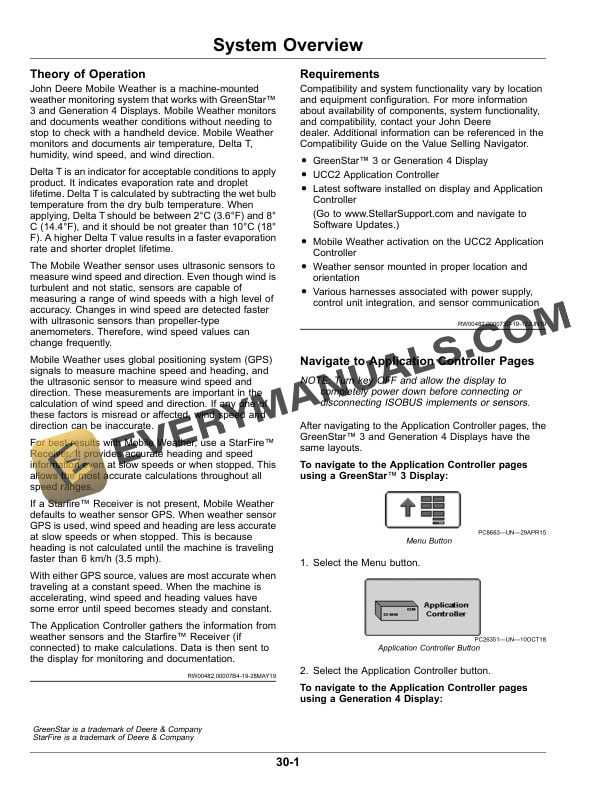
- 3.1. Theory of Operation
- 3.2. Requirements
- 3.3. Navigate to Application Controller Pages
- 3.4. Enter Activation Code
- 4. Component Overview
- 4.1. GreenStar Display or Generation 4 Display
- 4.2. UCC2 Application Controller
- 4.3. Weather Sensor
- 4.4. Specifications
- 5. Setting Up
- 5.1. Setup Wizard Overview
- 5.2. Set Up Equipment
- 5.3. Set Up Wind Alarms
- 5.4. Set Up Temperature Alarms
- 5.5. Set Up Alarm Preferences
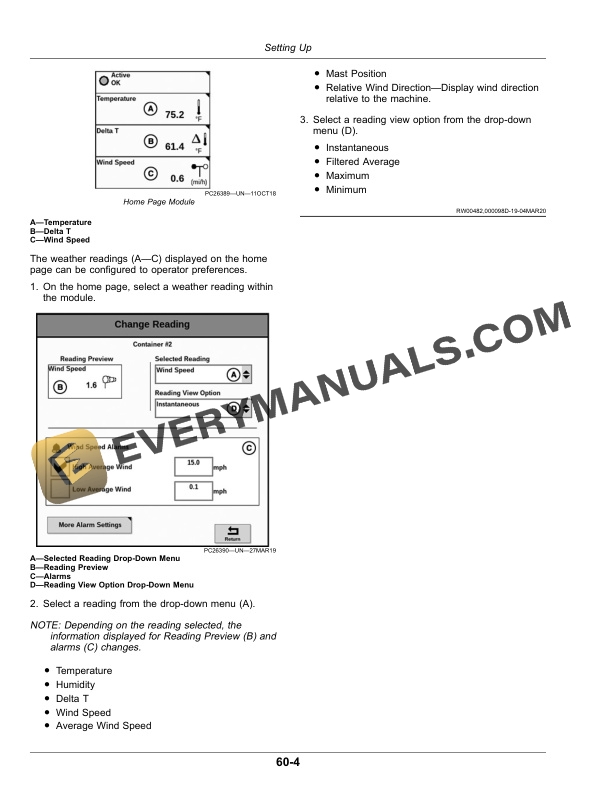
- 5.6. Set Up Home Page
- 6. Operating
- 6.1. View Mobile Weather Information
- 6.2. Record Mobile Weather Data
- 7. Troubleshooting
- 7.1. Mobile Weather Status and Exit Codes
- 7.2. Mobile Weather Diagnostics
- 7.3. Hardware/Software
- 7.4. Input/Output Readings
- 8. John Deere Service Literature Available
- 8.1. Technical Information
- 9. John Deere Service Keeps You on The Job
- 9.1. John Deere Is At Your Service