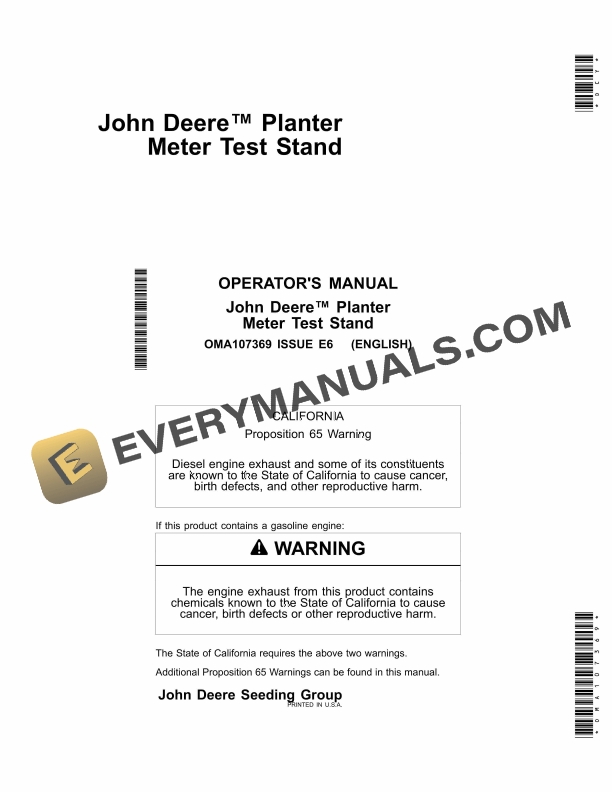
John Deere Planter Meter Test Stand Operator Manual OMA107369
$30
- Type Of Manual: Operator Manual
- Manual ID: OMA107369
- Format: PDF
- Size: 1.0MB
- Number of Pages: 40
Description
-
Model List:
- Planter Meter Test Stand
- 1. Contents
- 1.0.1. Recognize Safety Information
- 1.0.2. Follow Safety Instructions
- 1.0.3. Understand Signal Words
- 1.0.4. Wear Protective Clothing
- 1.0.5. Work In Ventilated Area
- 1.0.6. Service Machines Safely
- 1.0.7. Practice Safe Maintenance
- 1.0.8. Handle Agricultural Chemicals Safely
- 1.0.9. Clean Vehicle of Hazardous Pesticides
- 1.0.10. Protect Against High Pressure Spray
- 1.0.11. Decommissioning Proper Recycling and Disposal of Fluids and Components
- 1.0.12. Replace Safety Signs
- 1.0.13. Live With Safety
- 1.1. Test Stand Assembly and Setup
- 1.1.1. Parts List
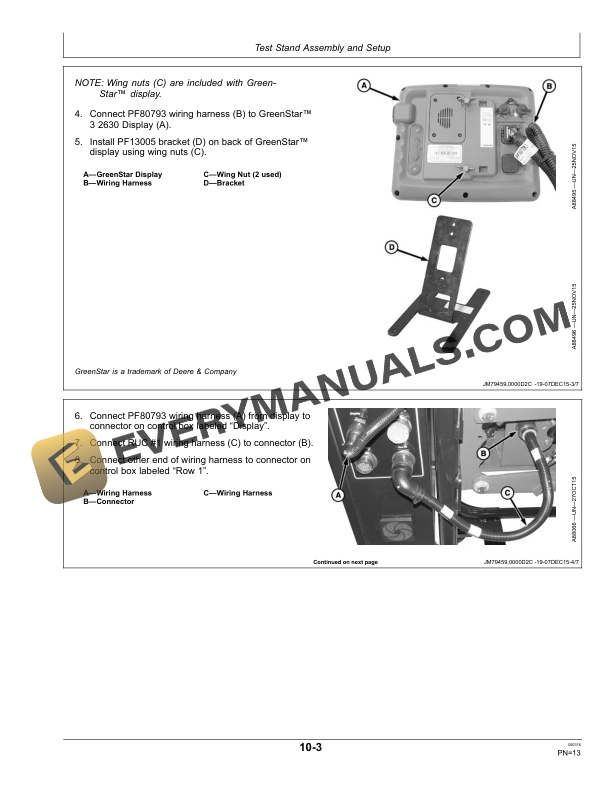
- 1.1.2. Assemble Test Stand
- 1.1.3. Basic System Overview
- 1.1.4. Basic System Component Overview
- 1.2. Monitor Setup and Operation
- 1.2.1. Monitor Setup
- 1.2.2. Monitor Operation
- 1.2.3. Screen Shots and Data Transfer
- 1.3. Test Stand Configurations
- 1.3.1. General Information for Meter Configurations
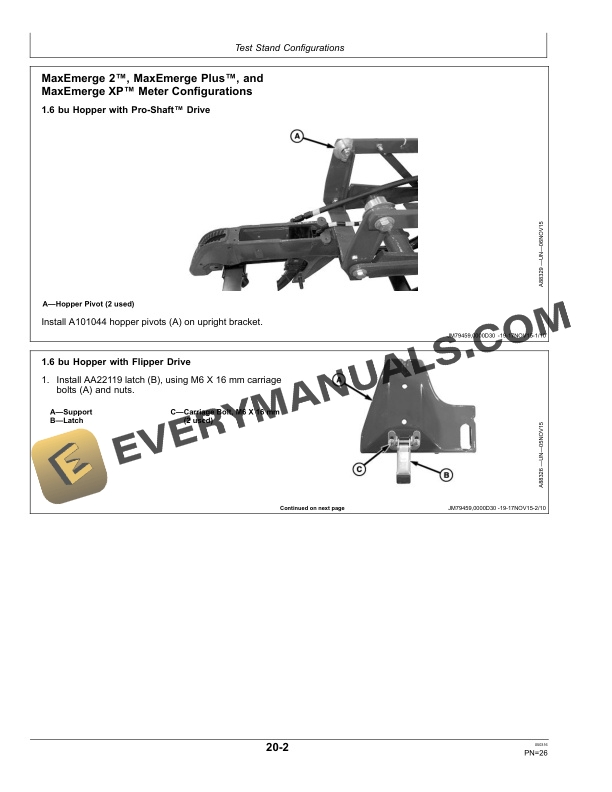
- 1.3.2. MaxEmerge 2, MaxEmerge Plus, and MaxEmerge XP Meter Configurations
- 1.3.3. ProSeries XP Meter Configurations
- 1.3.4. MaxEmerge 5 Meter Configurations
- 1.3.5. ExactEmerge Meter Configurations
- 1.4. Troubleshoot
- 1.4.1. Monitor Display
- 1.4.2. Test Stand
- 2. Page Number
- 2.1. Section 05
- 2.2. Section 10
- 2.3. Section 15
- 2.4. Section 20
- 2.5. Section 25
Related products
-50%

Original price was: $20.$10Current price is: $10.
-50%

Original price was: $20.$10Current price is: $10.
-50%

Original price was: $20.$10Current price is: $10.

-50%

Original price was: $20.$10Current price is: $10.
-50%

Original price was: $20.$10Current price is: $10.
-50%

Original price was: $20.$10Current price is: $10.