John Deere GreenStar Display 2100 Operator Manual OMAL164753
$30
- Type Of Manual: Operator Manual
- Manual ID: OMAL164753
- Format: PDF
- Size: 0.5MB
- Number of Pages: 24
Description
-
Model List:
- GreenStar Display 2100
- 1. Contents
- 1.0.1. Recognize Safety Information
- 1.0.2. Understand Signal Words
- 1.0.3. Follow Safety Instructions
- 1.0.4. Practice Safe Maintenance
- 1.0.5. Read Operators Manual
- 1.0.6. Field Operation, Transport and Road Travel
- 1.0.7. Field Operation, Transport and Road Travel Auxiliary Controls
- 1.0.8. Implement PowerDown
- 1.0.9. Entry and Exit
- 1.1. Safety Decals
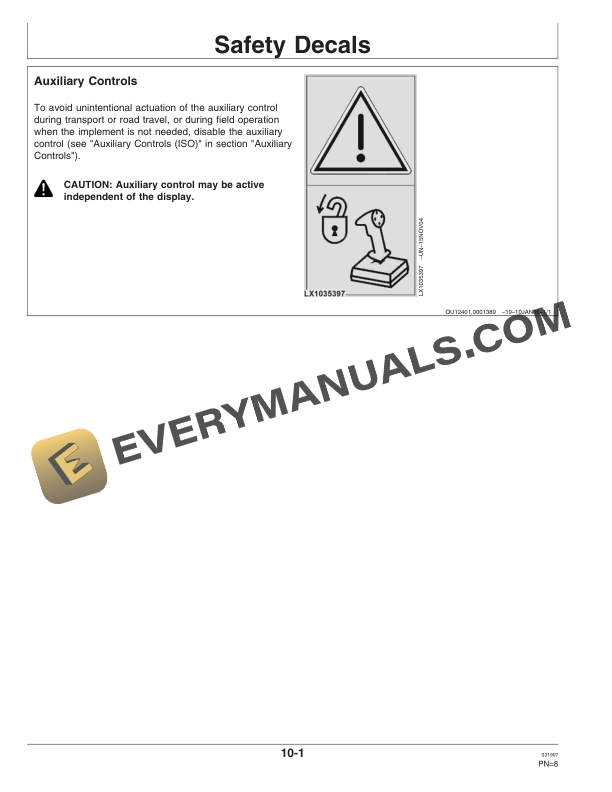
- 1.1.1. Auxiliary Controls
- 1.2. Performance Monitor
- 1.2.1. Screens
- 1.2.2. Performance Monitor Home Page (Field F)
- 1.2.3. Performance Monitor Display Selection
- 1.2.4. Performance Monitor Settings (Field G)
- 1.2.5. Performance Monitor Selection of Implement
- 1.2.6. Performance Monitor Zero Rear Wheel Slip
- 1.2.7. Performance Monitor Radar Calibration (with Older Radar Devices Only)
- 1.2.8. Performance Monitor Totals (Field H)
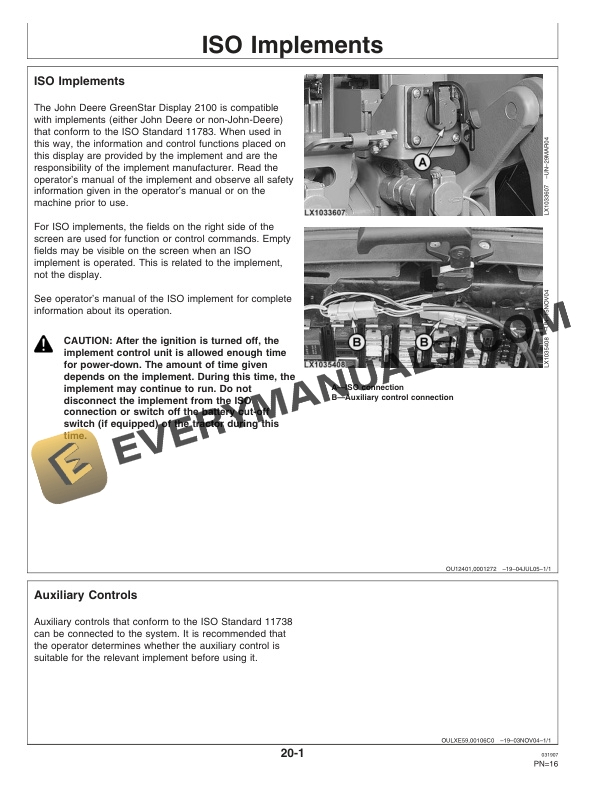
- 1.3. ISO Implements
- 1.3.1. ISO Implements
- 1.3.2. Auxiliary Controls
- 1.4. Diagnostic Trouble Codes and Settings
- 1.4.1. What the Diagnostic Trouble Codes Mean
- 1.4.2. Customization
- 1.4.3. Diagnostic Trouble Codes of the User Interface Module (UIM Control Unit)
- 1.4.4. Diagnostic Trouble Codes, GreenStar Display 2100
- 1.5. John Deere Service Keeps You On the Job
- 1.5.1. John Deere Parts
- 1.5.2. The Right Tools
- 1.5.3. WellTrained Technicians
- 1.5.4. Prompt Service
- 2. Page Numbers
- 2.1. Section 05
- 2.2. Section 10
- 2.3. Section 15
Related products

-50%

Original price was: $20.$10Current price is: $10.


-50%

Original price was: $20.$10Current price is: $10.
-50%

Original price was: $20.$10Current price is: $10.