
John Deere GreenStar Lightbar Operator Manual OMPFP14000
$30
- Type Of Manual: Operator Manual
- Manual ID: OMPFP14000
- Format: PDF
- Size: 0.9MB
- Number of Pages: 36
Description
-
Model List:
- GreenStar Lightbar
- 1. Contents
- 1.0.1. Recognize Safety Information
- 1.0.2. Understand Signal Words
- 1.0.3. Follow Safety Instructions
- 1.0.4. Practice Safe Maintenance
- 1.0.5. Use Steps and Handholds Correctly
- 1.0.6. Handle Electronic Components and Brackets Safely
- 1.0.7. Operate Guidance Systems Safely
- 1.0.8. Use Seat Belt Properly
- 1.1. Installing Lightbar
- 1.1.1. Lightbar Guidance System
- 1.1.2. General Installation Instructions
- 1.1.3. Operating Lightbar Console Suction Cup
- 1.1.4. Lightbar SystemStandalone Configuration
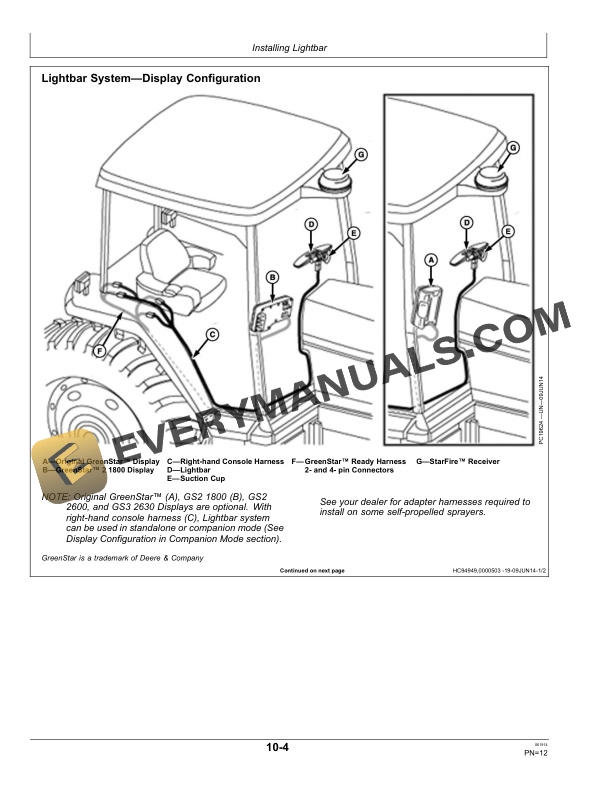
- 1.1.5. Lightbar SystemDisplay Configuration
- 1.2. Operating Lightbar
- 1.2.1. Lightbar System Description
- 1.2.2. Operating Lightbar System
- 1.2.3. Lightbar System Fuse Protection
- 1.3. Display Configuration in Companion Mode
- 1.3.1. Operate Lightbar System in Companion Mode
- 1.3.2. Original GreenStar Display and Lightbar Companion Mode
- 1.3.3. GS2 1800 Display and Lightbar Companion Mode
- 1.3.4. GS2 2600 Display and Lightbar Companion Mode
- 1.3.5. GS3 2630 Display and Lightbar Companion Mode
- 1.4. Lightbar Specifications
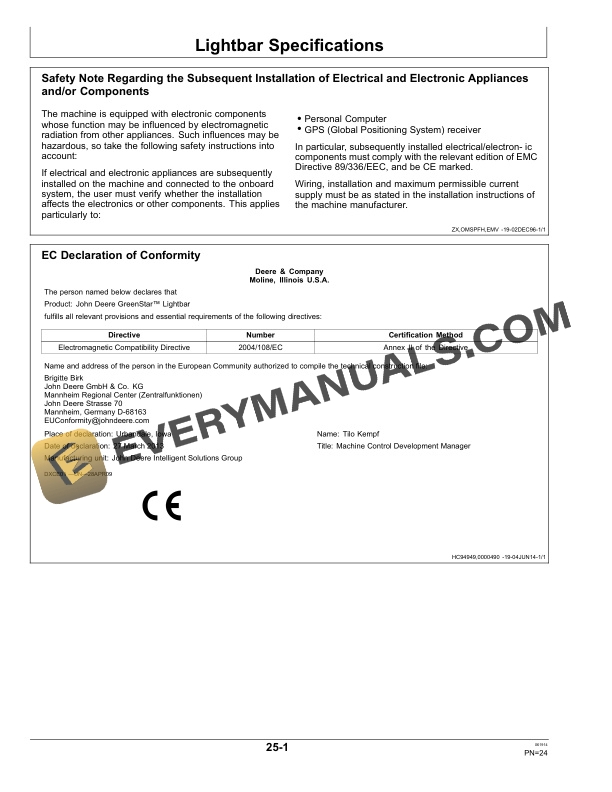
- 1.4.1. Safety Note Regarding the Subsequent Installation of Electrical and Electronic Appliances and/or Components
- 1.4.2. EC Declaration of Conformity
- 1.4.3. Identify Date Code
- 1.4.4. Customs UnionEAC
- 1.5. Serial Numbers
- 1.5.1. Identification Label
- 1.5.2. Lightbar Console
- 1.6. John Deere Service Keeps You On The Job
- 1.6.1. John Deere Parts
- 1.6.2. The Right Tools
- 1.6.3. WellTrained Technicians
- 1.6.4. Prompt Service
- 2. Page Number
- 2.1. Section 05
- 2.2. Section 10
- 2.3. Section 15
- 2.4. Section 20
- 2.5. Section 25
- 2.6. Section 30
Related products
-50%

Original price was: $20.$10Current price is: $10.

-50%

Original price was: $20.$10Current price is: $10.
-50%

Original price was: $20.$10Current price is: $10.
-50%

Original price was: $20.$10Current price is: $10.

-50%

Original price was: $20.$10Current price is: $10.
-50%

Original price was: $20.$10Current price is: $10.