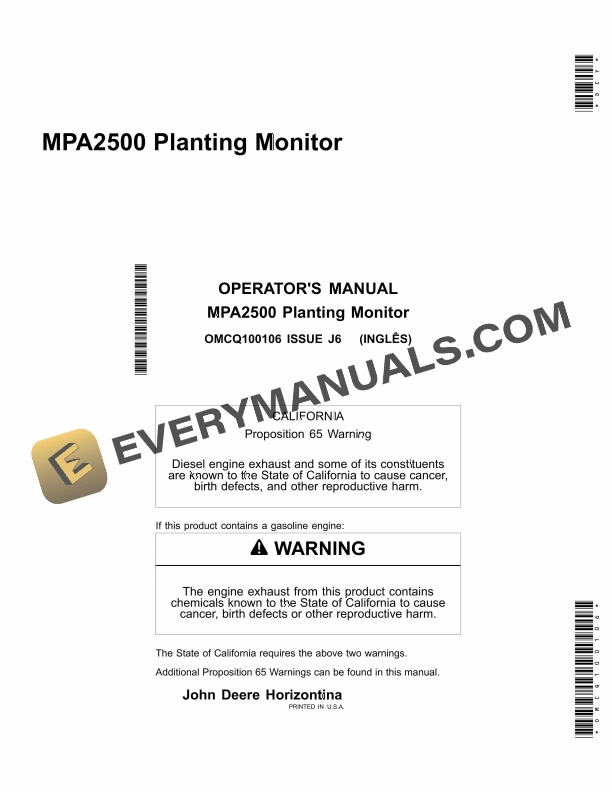


John Deere MPA2500 Planting Monitor Operator Manual OMCQ100106
$30
- Type Of Manual: Operator Manual
- Manual ID: OMCQ100106
- Format: PDF
- Size: 1.7MB
- Number of Pages: 52
Description
-
Model List:
- MPA2500 Planting Monitor
- 1. Contents
- 1.1. Overview
- 1.1.1. Overview
- 1.1.2. General information
- 1.1.3. Important Considerations
- 1.2. Installation
- 1.2.1. Tractor Installation
- 1.2.2. Assembling and Installing the Console
- 1.2.3. Install Battery Harness
- 1.2.4. Installing Tractor CAN Bus Wiring Harness
- 1.2.5. Installing GPS Antenna
- 1.2.6. Installing to Planter
- 1.2.7. Installing Planter CAN Bus Wiring Harness
- 1.2.8. Installing Photoelectric Seed Sensors
- 1.3. Planting Monitor Controls
- 1.3.1. Planting Monitor Control Keys
- 1.3.2. Menu Button
- 1.3.3. Cancel/Back Button
- 1.3.4. Enter/Select/Modify Button
- 1.3.5. Pause Key
- 1.3.6. Navigation Buttons
- 1.4. Display Setup
- 1.4.1. Starting and Setting Up the Monitor
- 1.5. Sensors
- 1.5.1. Sensor Installation
- 1.5.2. Replacing Sensors
- 1.5.3. Ignore Sensors
- 1.5.4. Menu Options
- 1.5.5. Switching Off the MPA2500 Planting Monitor
- 1.5.6. Finishing
- 1.5.7. Screen Settings
- 1.5.8. Configure
- 1.5.9. Test Mode
- 1.6. Monitoring Screens
- 1.6.1. Monitoring Screens
- 1.6.2. Planter
- 1.6.3. Population SubTotal
- 1.6.4. Worked Area
- 1.6.5. Performance
- 1.7. Trouble Shooting
- 1.7.1. Trouble Shooting
- 1.8. Predictive Maintenance
- 1.8.1. Predictive Maintenance Checks
- 1.9. Incorrect Installation
- 1.9.1. Examples for Incorrect Installation
- 1.10. Specifications
- 1.10.1. Product Characteristics
- 1.10.2. Dimensions
- 1.10.3. Connection Points
- 1.11. Identification Numbers
- 1.11.1. Identification Numbers
- 1.11.2. Product Identification Number
- 2. Page Number
- 2.1. Section 00
- 2.2. Section 05
- 2.3. Section 10
- 2.4. Section 15
- 2.5. Section 20
- 2.6. Section 25
- 2.7. Section 30
- 2.8. Section 35
- 2.9. Section 40
- 2.10. Section 45
- 2.11. Section 50
- 2.12. Section 55
Related products
-50%

Original price was: $20.$10Current price is: $10.
-50%

Original price was: $20.$10Current price is: $10.

-50%

Original price was: $20.$10Current price is: $10.
-50%

Original price was: $20.$10Current price is: $10.
-50%

Original price was: $20.$10Current price is: $10.